



Auto Tile
Group and arrange your charts into perfect layouts instantly.
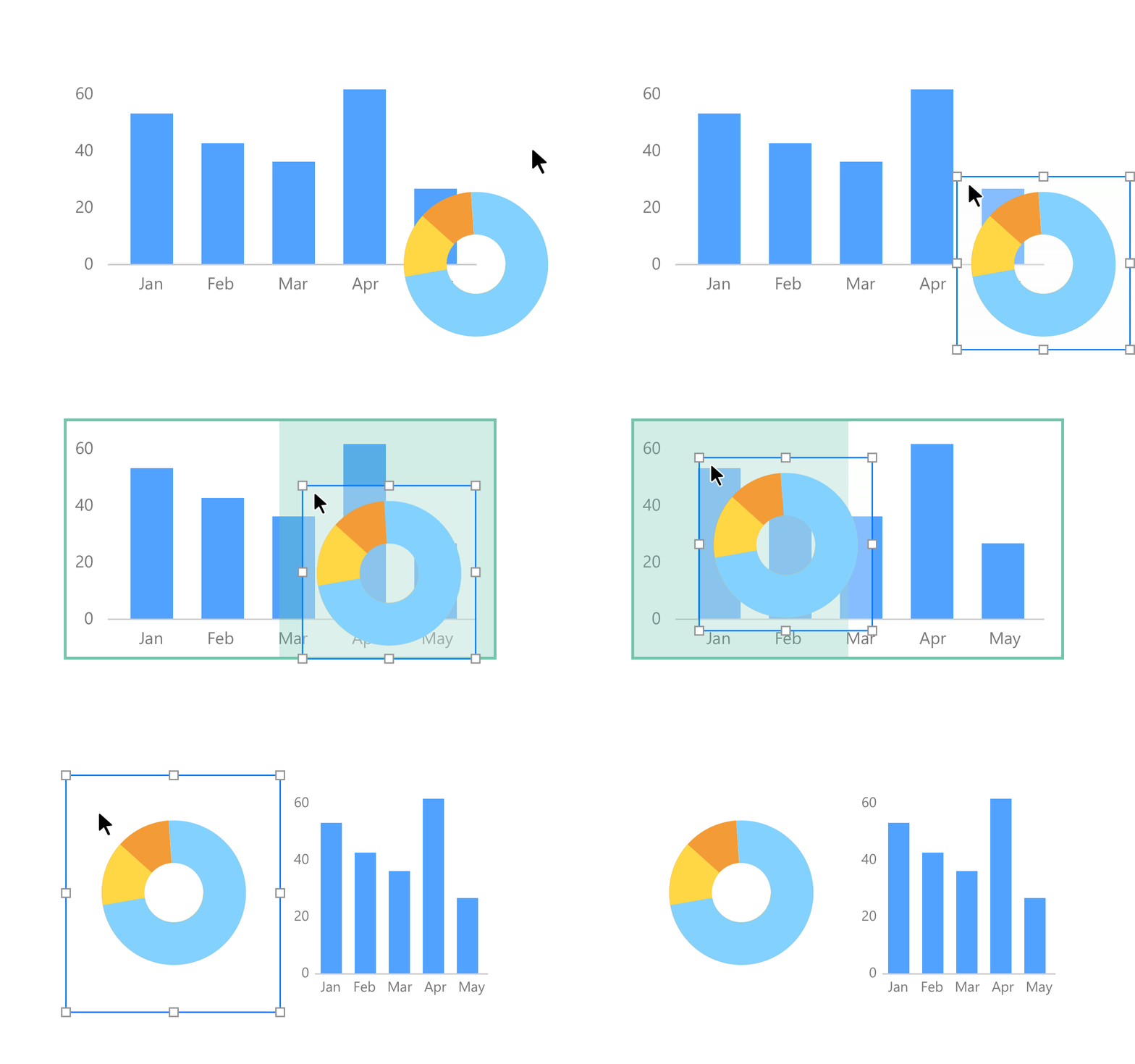
No more manual pixel-pushing. Group your charts into structural tile layers that instantly organize, align, and resize your elements to fit the screen beautifully.
Smart Layouts:
Arrange items in rows, stack them in columns, or let them float freely.
Easy Spacing:
Resize elements to fill the space equally or proportionally.
Custom Styling:
Set the exact size, position, and background color for each layer.
Smart Layouts:
Arrange items in rows, stack them in columns, or let them float freely.
Easy Spacing:
Resize elements to fill the space equally or proportionally.
Custom Styling:
Set the exact size, position, and background color for each layer.
Parameters
One master control to change your entire workspace.
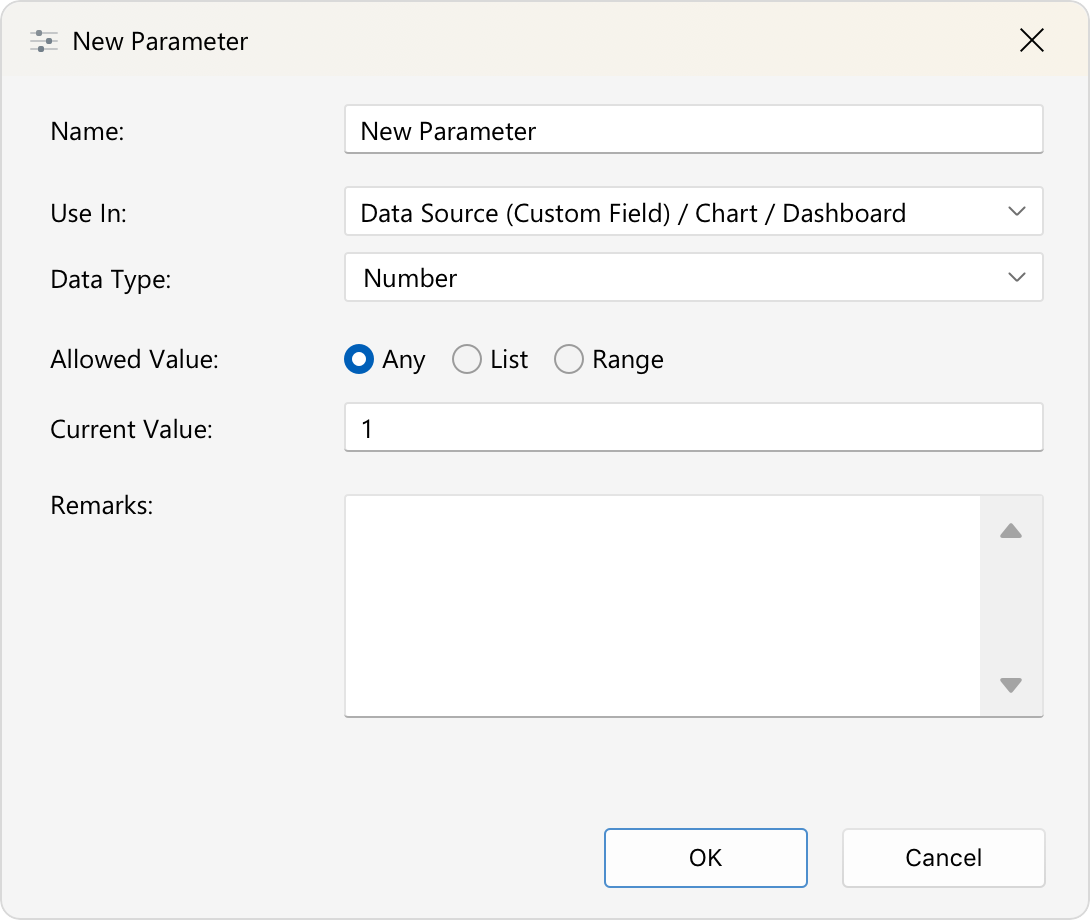
Give you the power to change what you see. Parameters introduce user-driven variables that dynamically update your entire dashboard on the fly.
Smart Data Sources:
Quickly filter or query your raw data right at the source.
Dynamic Charts:
Control what your charts display and update titles based on your selection.
Flexible Dashboards:
Refresh text labels, and route web links (URLs) for text, images, or shapes with a single choice.
Ready for Presentation:
Interactive controls (like dropdowns or sliders) are generated for you, allowing you to explore the data live.
Smart Data Sources:
Quickly filter or query your raw data right at the source.
Dynamic Charts:
Control what your charts display and update titles based on your selection.
Flexible Dashboards:
Refresh text labels, and route web links (URLs) for text, images, or shapes with a single choice.
Ready for Presentation:
Interactive controls (like dropdowns or sliders) are generated for you, allowing you to explore the data live.
Page Navigation
Connect your entire report with instant, one-click shortcuts.
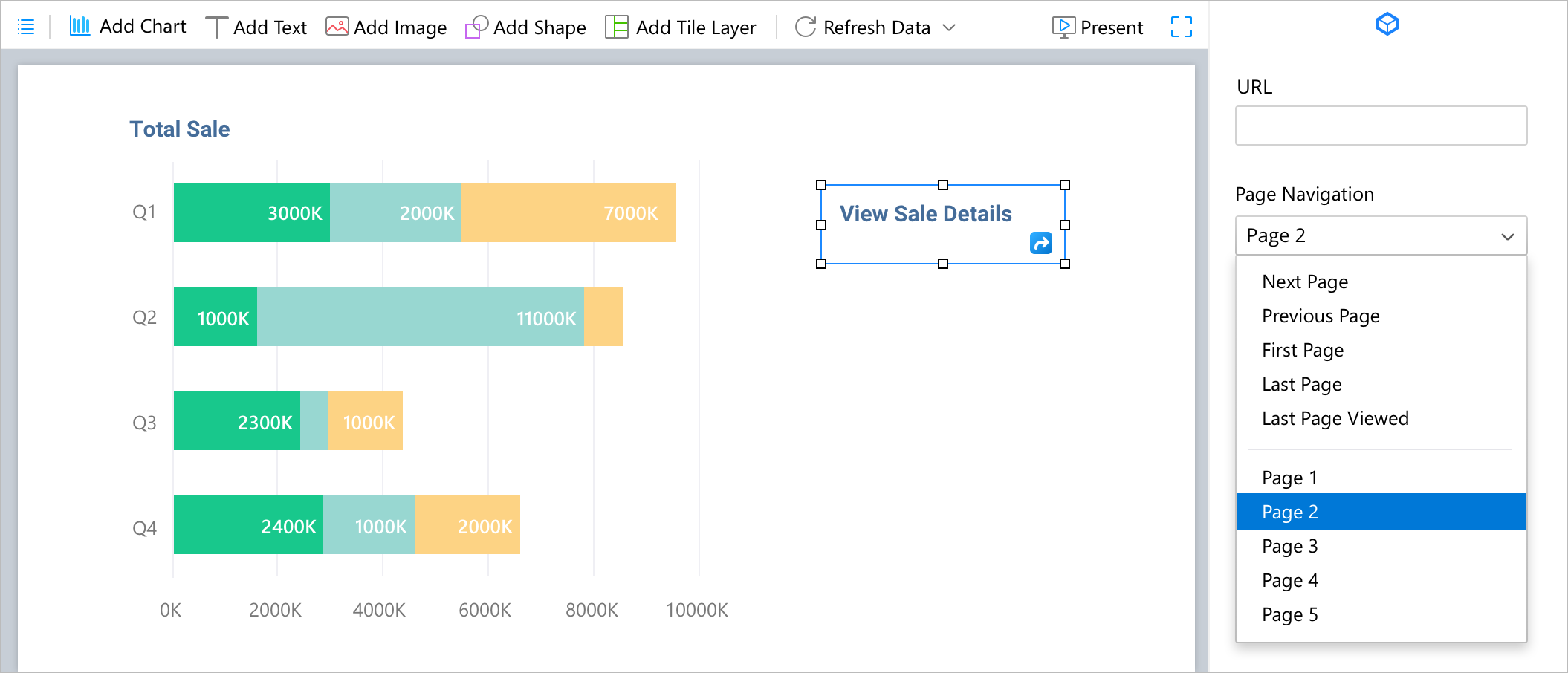
Organize your data across multiple pages. You can configure your dashboard elements so you can easily browse through your report.
Flexible Links:
Turn any text label, shape or image into a clickable shortcut to a specific page.
Turn any text label, shape or image into a clickable shortcut to a specific page.
Quick Navigation:
Jump straight to the first or last page, move back and forth, or return to your last viewed page.
Jump straight to the first or last page, move back and forth, or return to your last viewed page.
Auto Refresh
Always see the newest data, automatically.
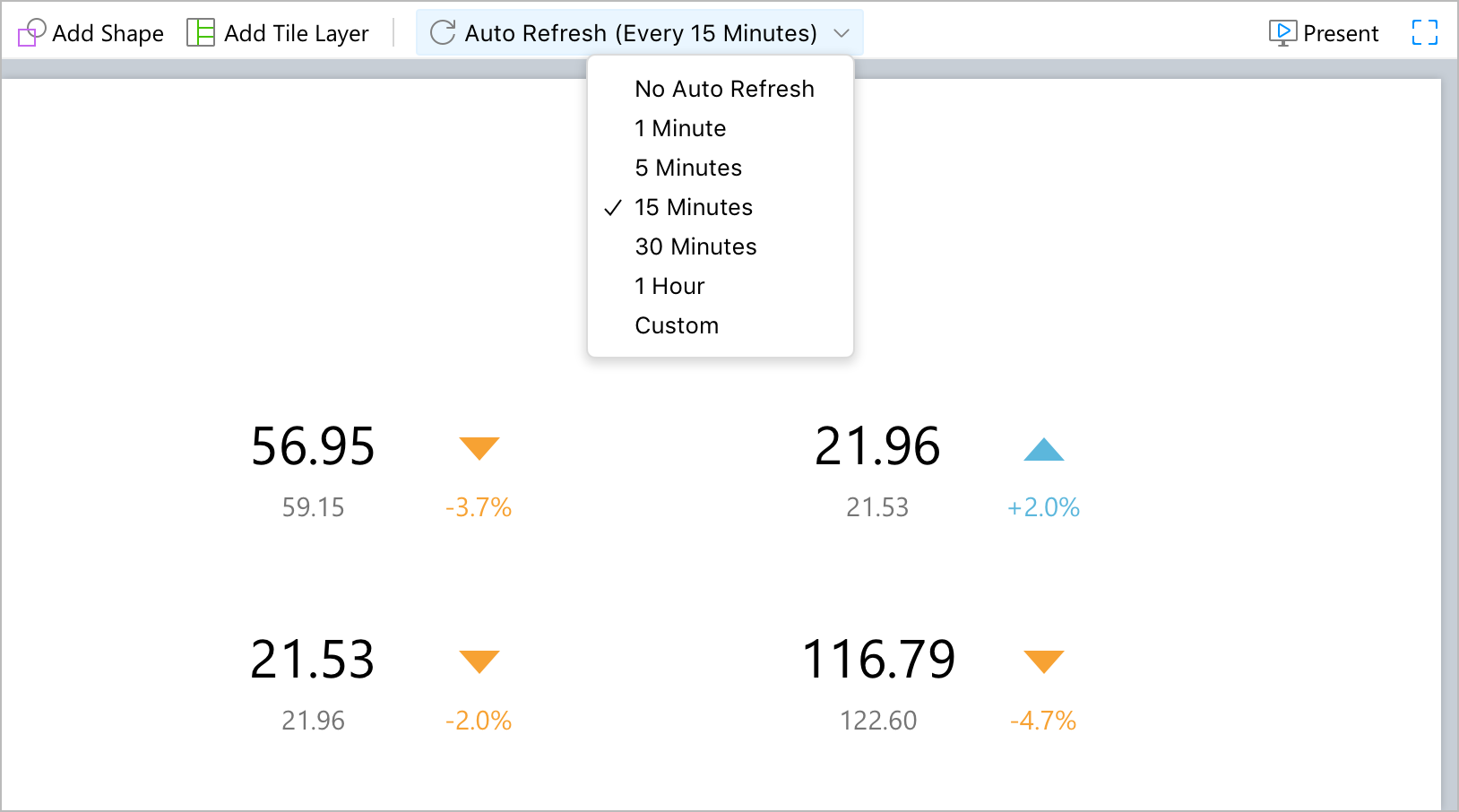
Stop clicking the refresh button! Auto Refresh automatically pulls the latest numbers from your database on a timer that you set.
Live updates:
See changes as they happen without reloading the page manually.
Always accurate:
Ensure your team is always looking at the most up-to-date numbers.
Live updates:
See changes as they happen without reloading the page manually.
Always accurate:
Ensure your team is always looking at the most up-to-date numbers.
Alignment Guide
Position everything accurately without the guesswork.
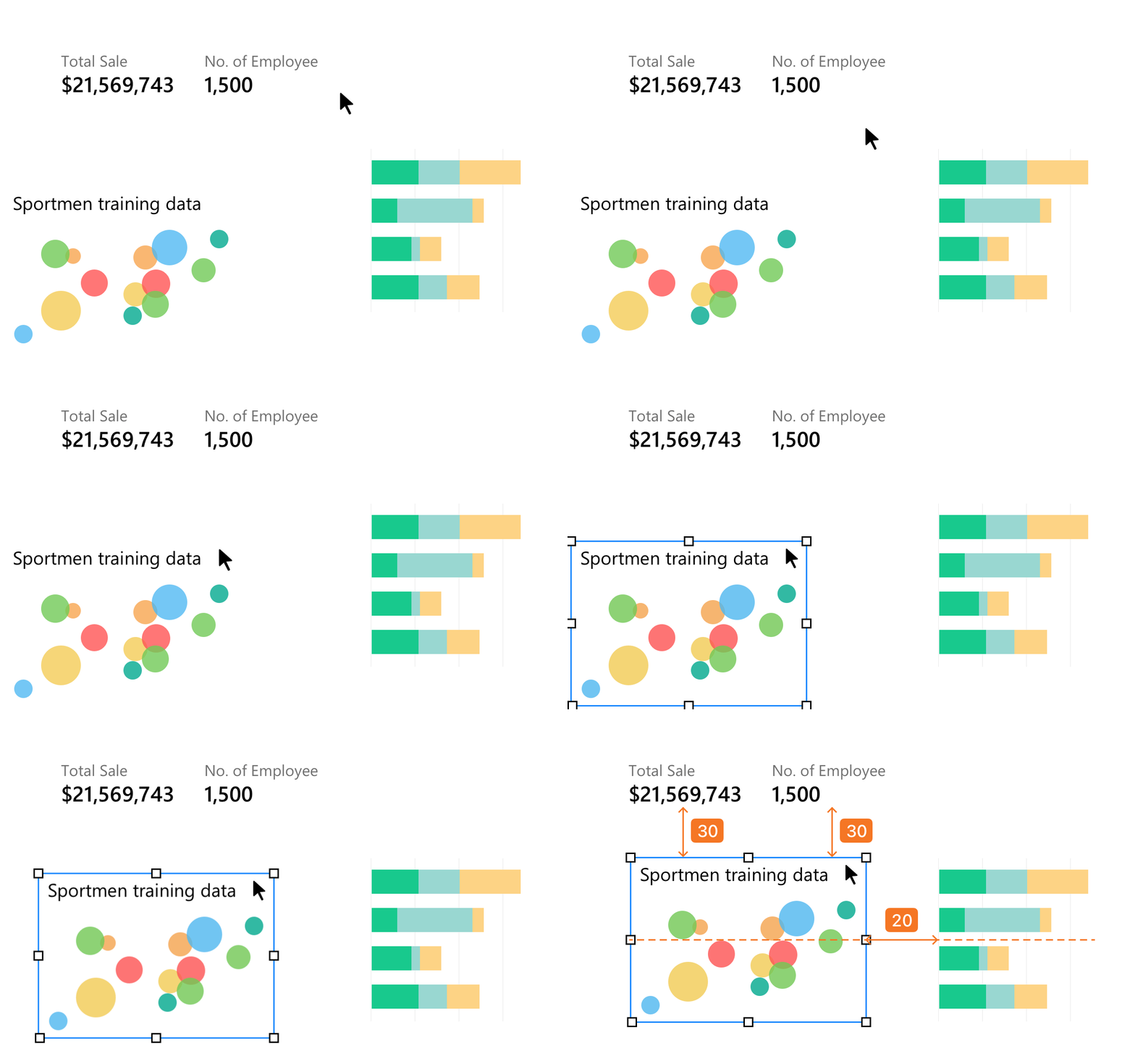
See helpful layout lines appear whenever you move any item on your canvas. Simply turn it on from the menu bar to start formatting like a pro.
Center & Edge Alignment:
Easily line up your items by their exact center points or outer borders.
Equal Sizing:
Resize an object and let it lock onto the exact height or width of nearby charts.
Equal Spacing:
Keep identical gaps and padding between a row or column of items for a balanced look.
Center & Edge Alignment:
Easily line up your items by their exact center points or outer borders.
Equal Sizing:
Resize an object and let it lock onto the exact height or width of nearby charts.
Equal Spacing:
Keep identical gaps and padding between a row or column of items for a balanced look.